
Select Community from the main navigation menu.
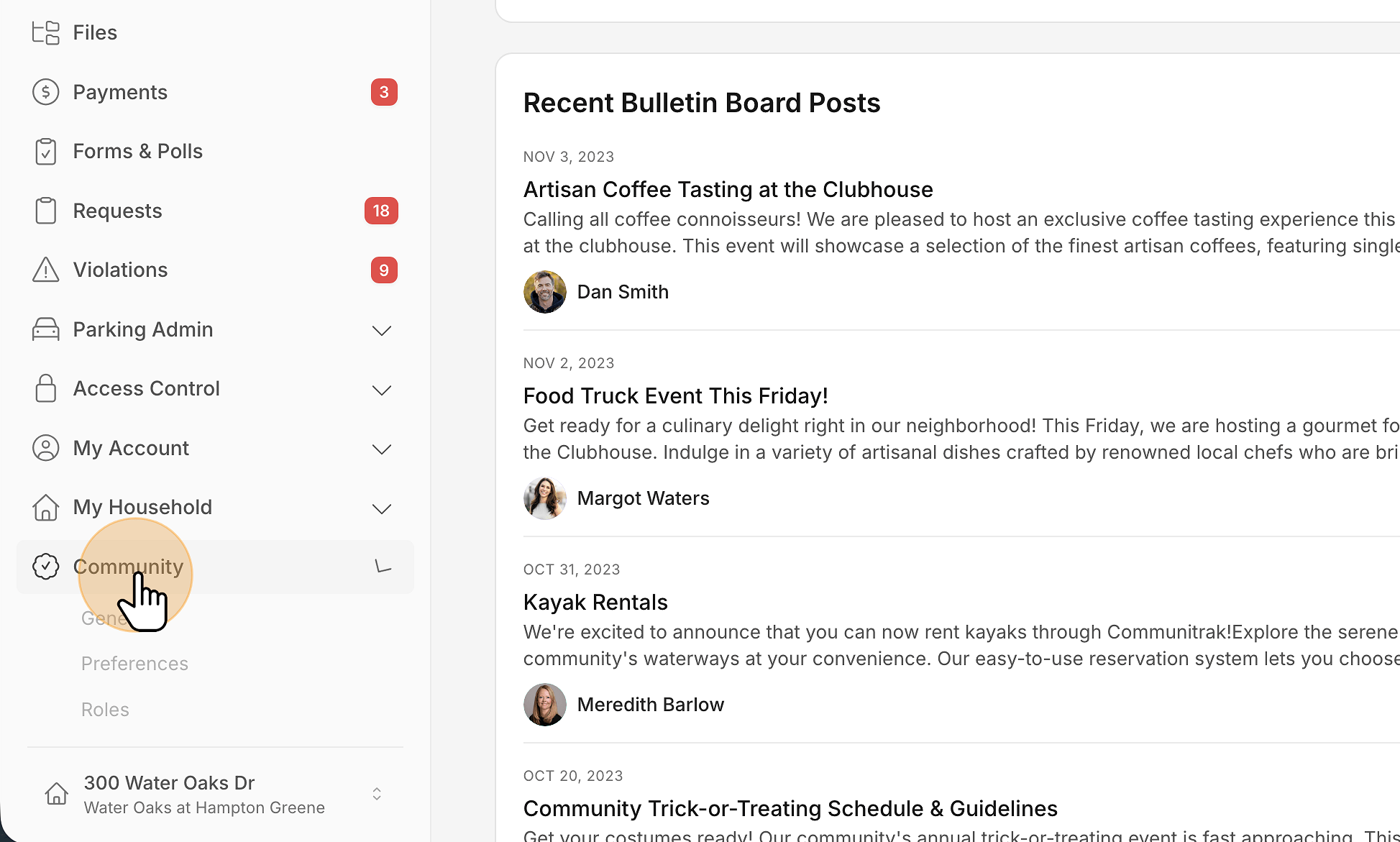
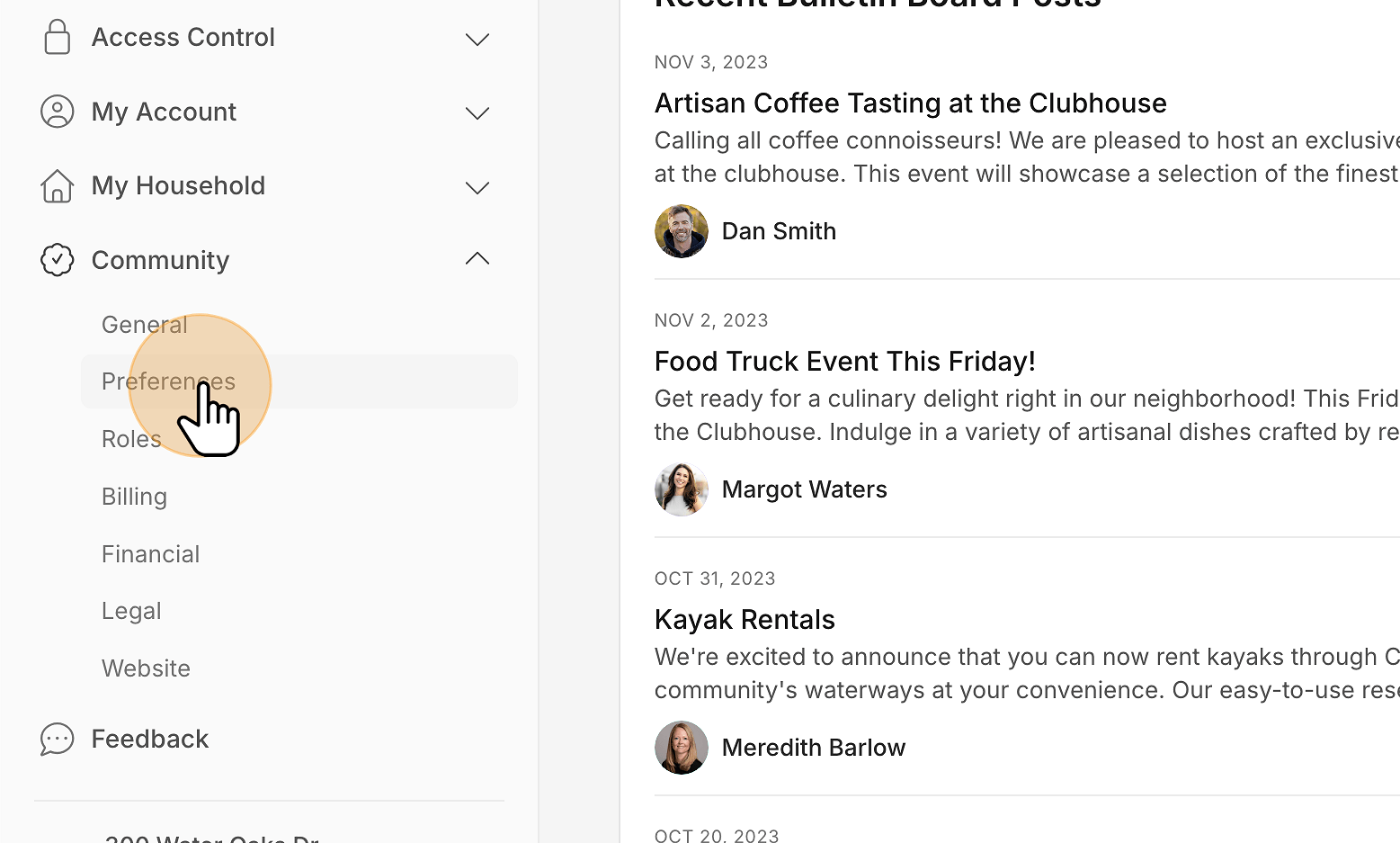
Click Preferences.
Find the Appearance and Branding card. Under Brand Color, use the color picker to choose your preferred theme color.
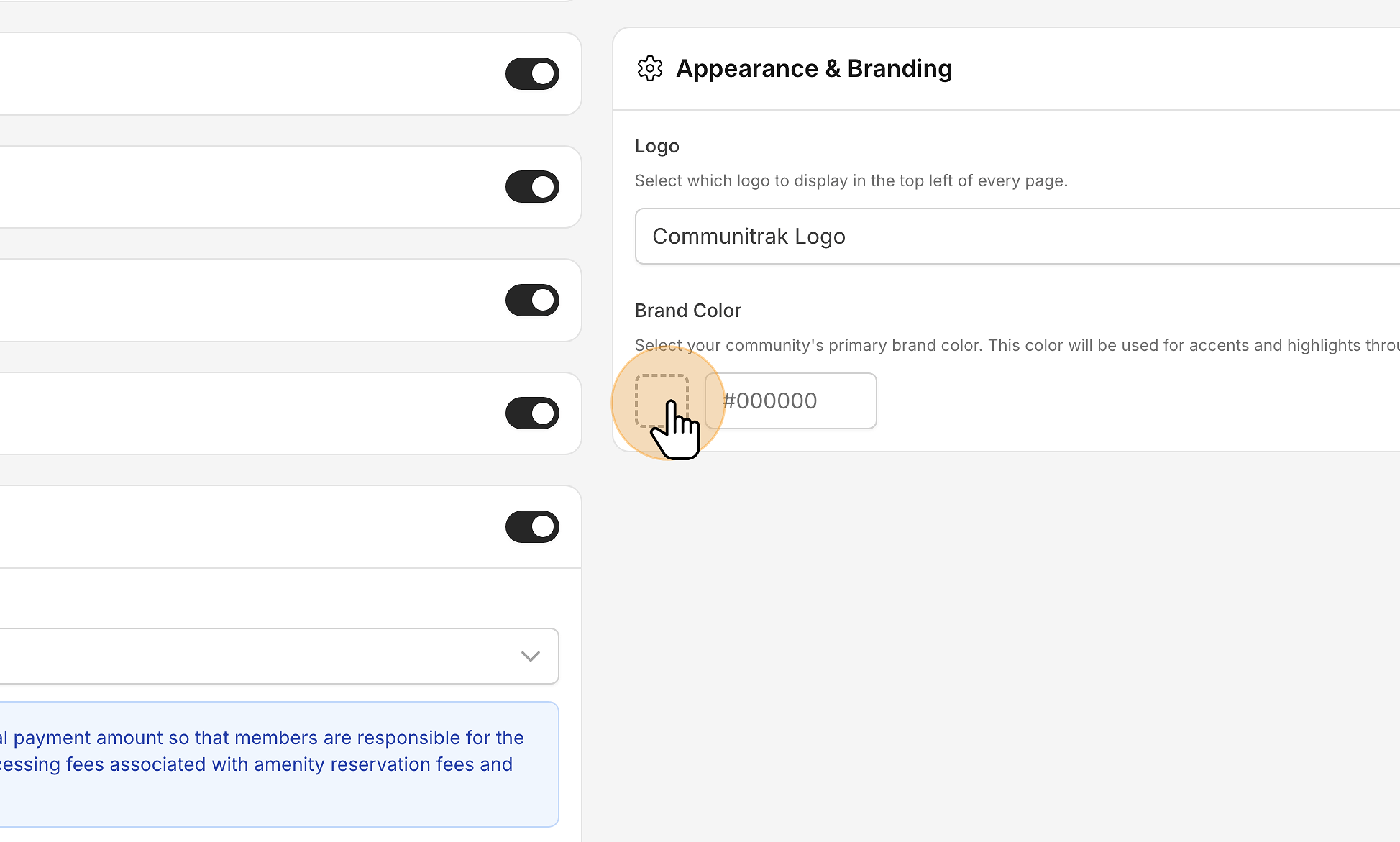
Your selected color will save automatically.
Refresh the page if you don’t see the navigation menu reflect the new color.
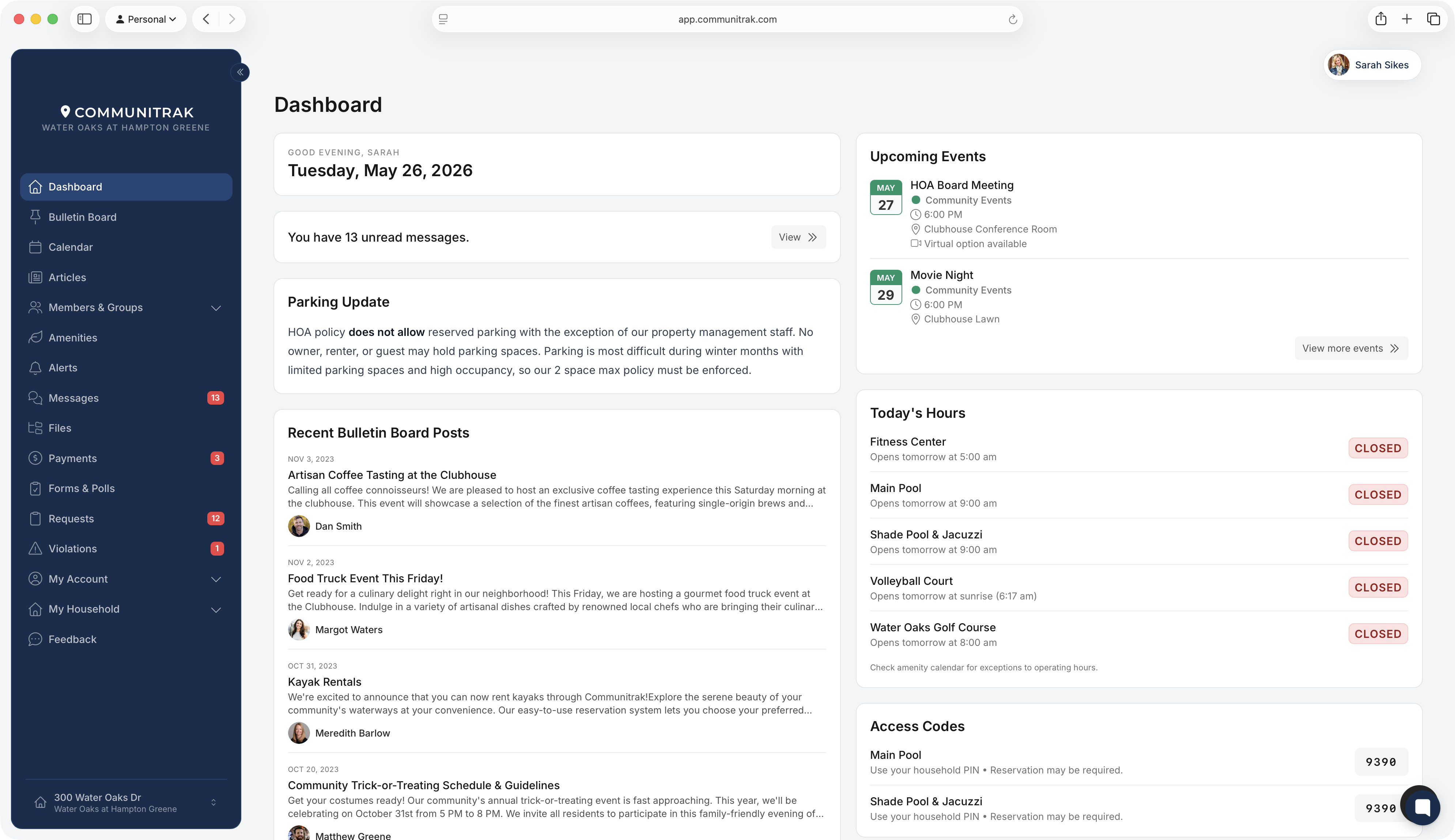

Your selected brand color will be used throughout Communitrak to give your community portal a more personalized look.