When a member has been invited but hasn't activated their account yet, you can send their invitation email again. This helps when the original email was missed or landed in spam, when the invitation has expired, or when you added the member without sending an invitation in the first place.
Resending invitations requires the Invite Members and Invite Members via Email permissions. Some options may be unavailable or appear differently depending on your level of account access.
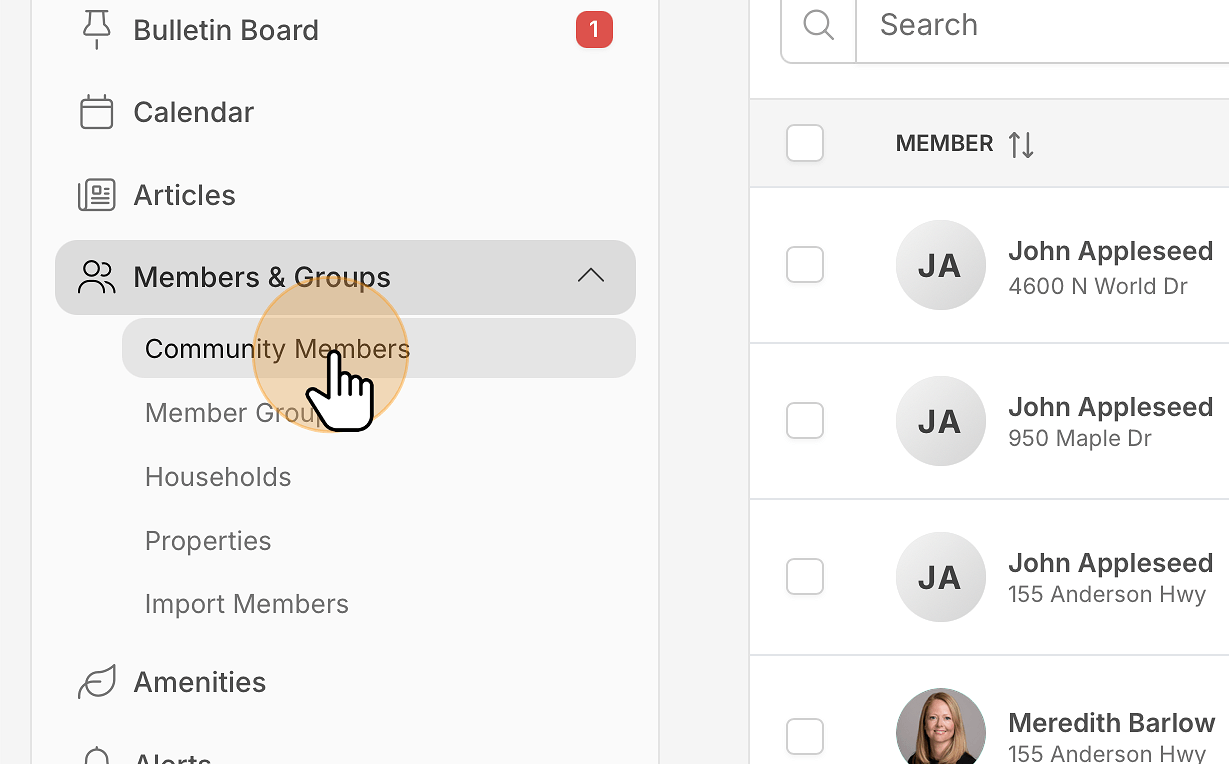
In the main navigation menu, expand Members & Groups and click Community Members.
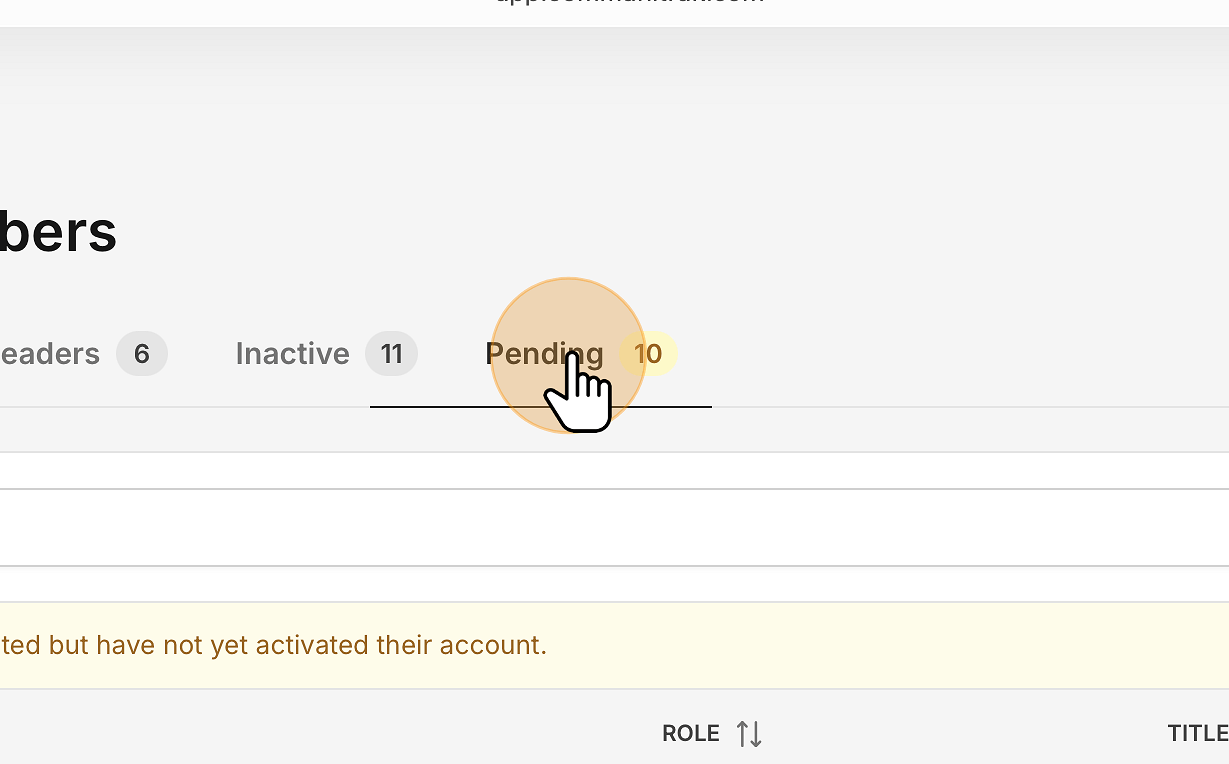
Click the Pending tab and click the member's name to open their profile.
In the Account Pending Activation card, click Resend Invitation.
A confirmation says the invitation has been resent to the member's email address. This works on a phone as well as a computer.
If the card says no invitation has been sent because there's no email address on file, click Add Email Address, save the address, and then click Resend Invitation.
In the main navigation menu, expand Members & Groups and click Community Members.
Click the Pending tab.
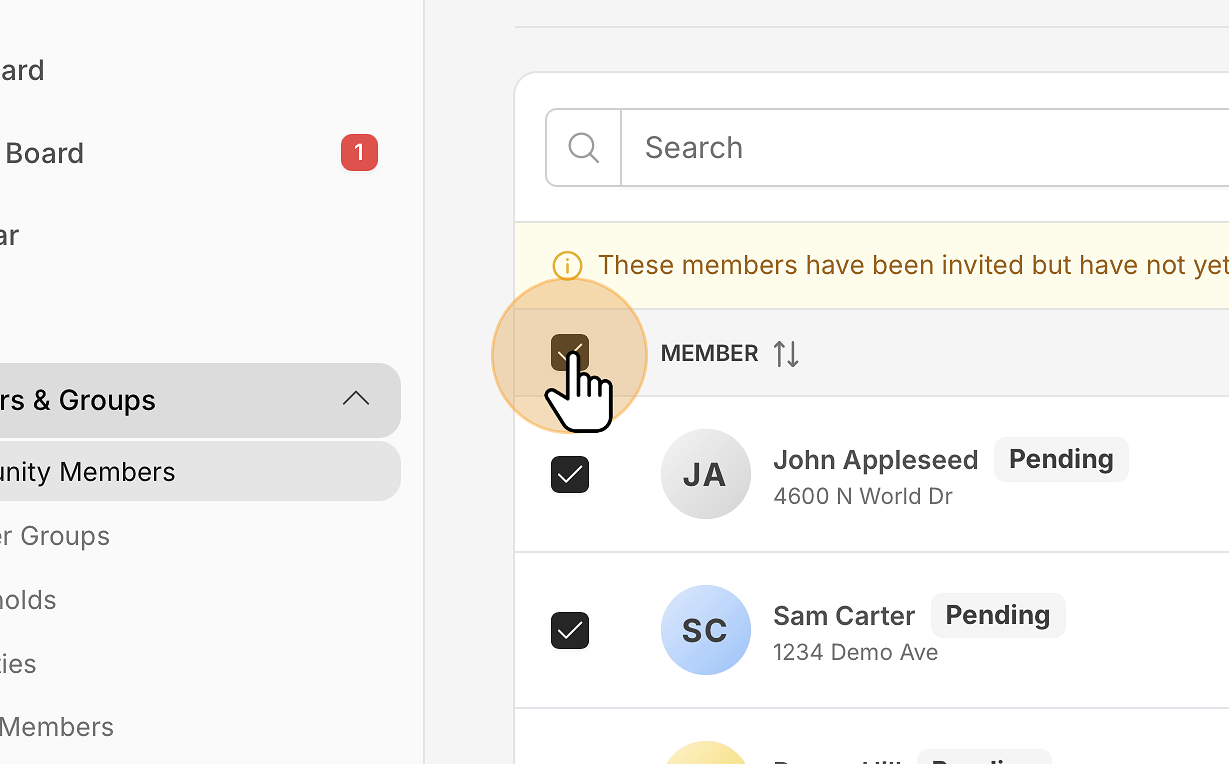
Select members using the checkboxes on the left side of the table, or the checkbox in the header to select them all.
Click Resend Invitations in the bar that appears at the bottom of the screen.
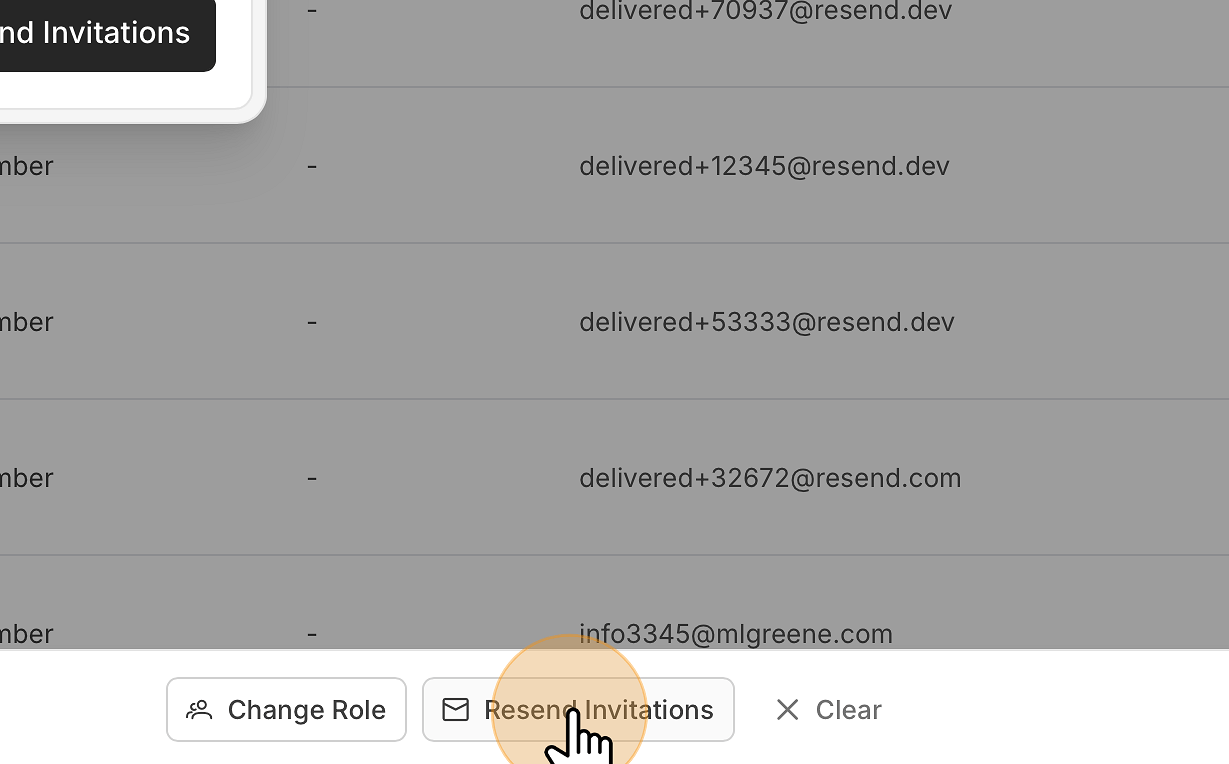
Review the selected members in the Resend Invitations dialog, then click Resend Invitations.
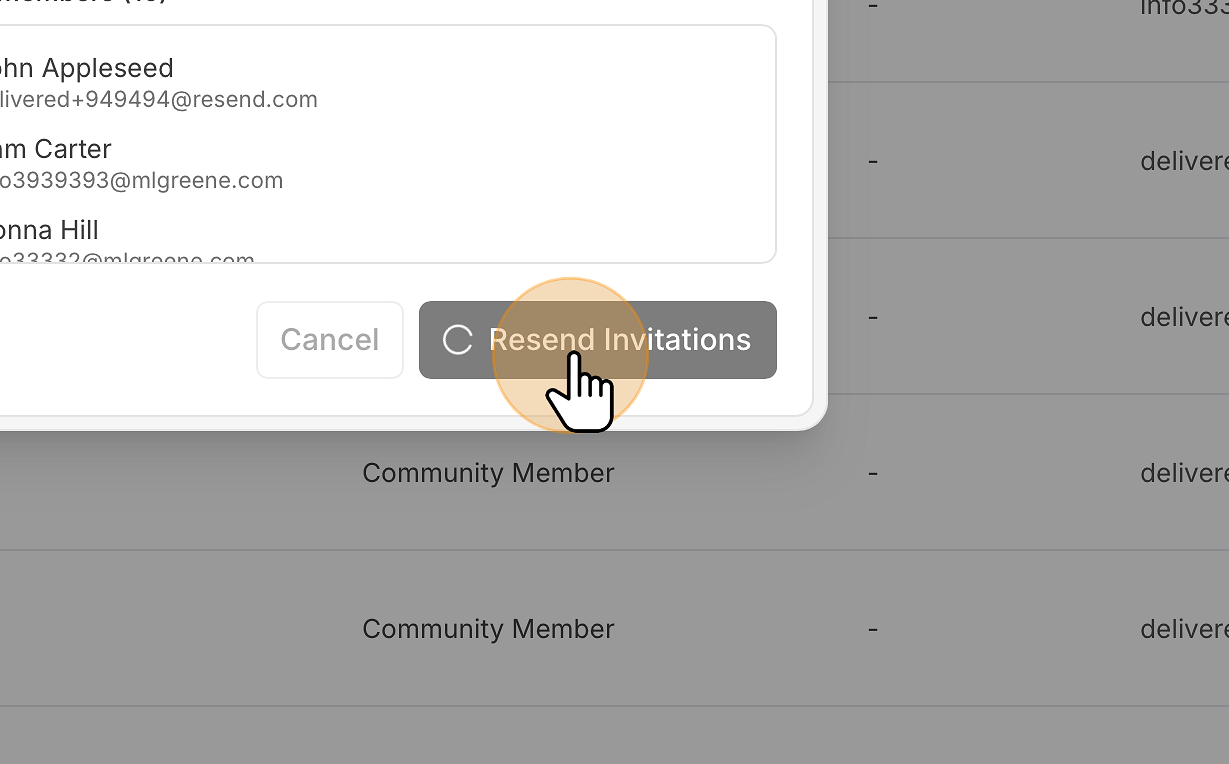
A message confirms how many invitations were sent. Anyone without an email address on file, or without an open invitation, is skipped, and a second message tells you how many couldn't be processed.
Note: The checkboxes only appear in the full member table on a larger screen. On a phone, resend from each member's profile instead.
The member gets the same invitation email as the first time, sent from your community, with an Accept Invitation button and their access code. The email names you as the person who sent the invitation.
The access code doesn't change, so a link in an earlier invitation email keeps working too.
Each resend gives the invitation a fresh 90 days, including one that had already expired.
There's no limit on resends once your community is verified. While Communitrak is still verifying a new community, you can resend up to 5 invitations a day, and each member selected in a bulk resend counts toward that. Sending to a member who was added without an invitation also counts toward the 10-person invitation limit, because it's their first invitation.
If the member's email address is wrong, open their profile, use Update Email in their contact menu, and then resend. You can only change it while they're still pending.
A member's Head of Household can also resend the invitation from their own Manage Household page.
To withdraw an invitation instead, open the member's profile and click Cancel & Remove. This requires the Manage Invite Status permission.
If you need to invite someone who was never added, use Invite Member instead. See "Inviting and Onboarding New Members."
If you have questions or need help, chat with Communitrak Support from any page using the messenger icon in the bottom-right corner.
