If you can't remember your Communitrak password, you can set a new one yourself in a few minutes. You'll need access to the email inbox you use for Communitrak.
Anyone with an activated Communitrak account can reset their own password. Community Leaders and Communitrak Support cannot see or set your password for you.
Go to https://app.communitrak.com.
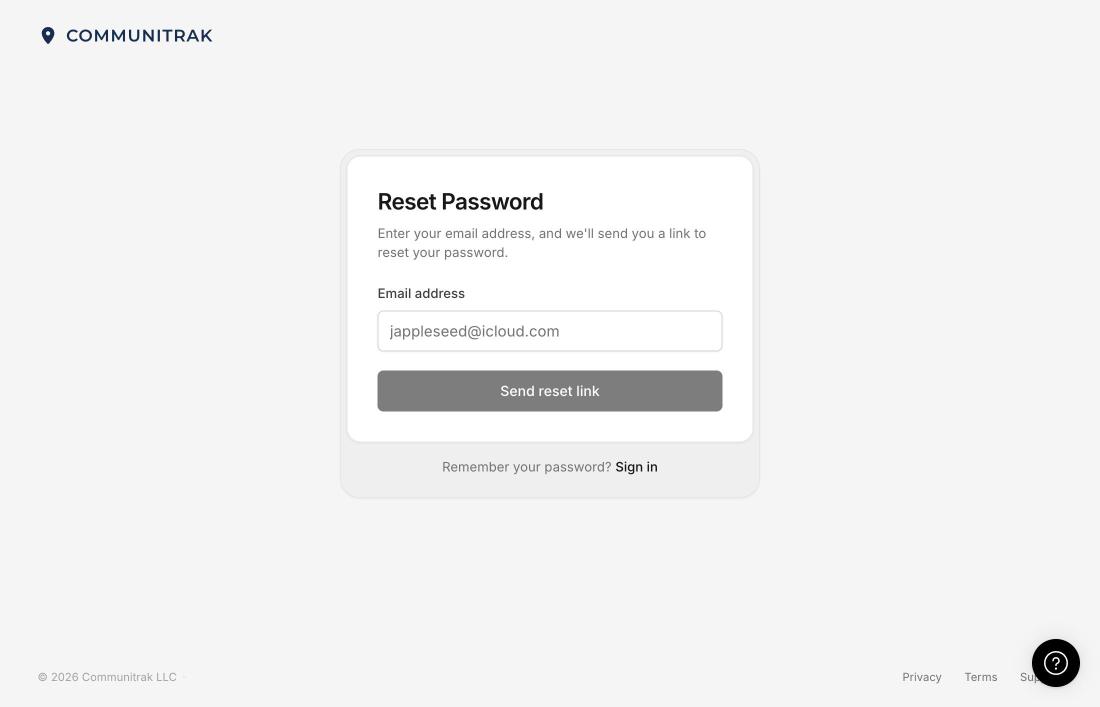
Below the Password box, click Forgot password?
Enter the Email address you use to sign in to Communitrak.
Click Send reset link.
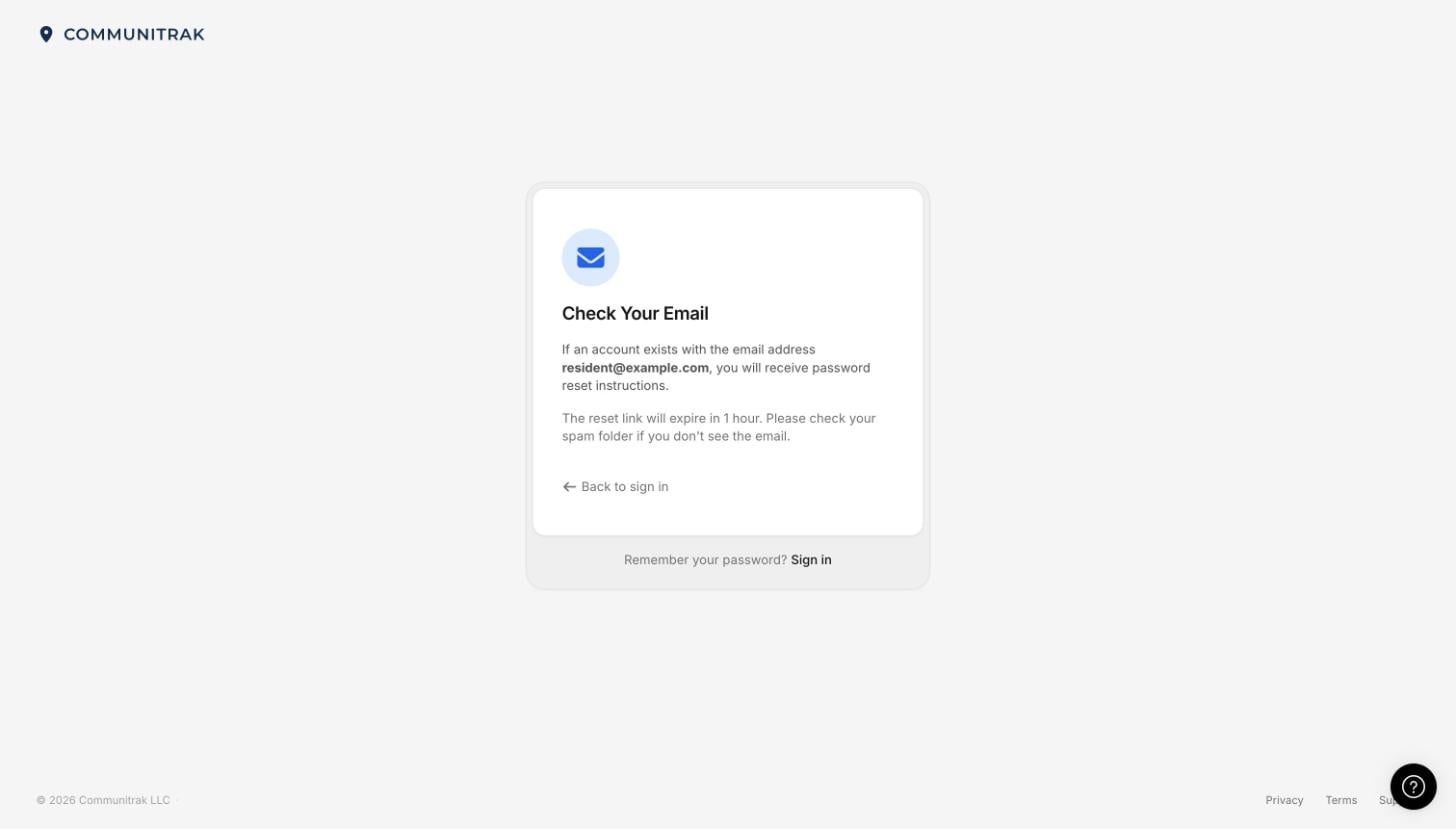
You'll see Check Your Email. For your security, this message looks the same whether or not the address has an account, so it can't be used to find out who uses Communitrak.
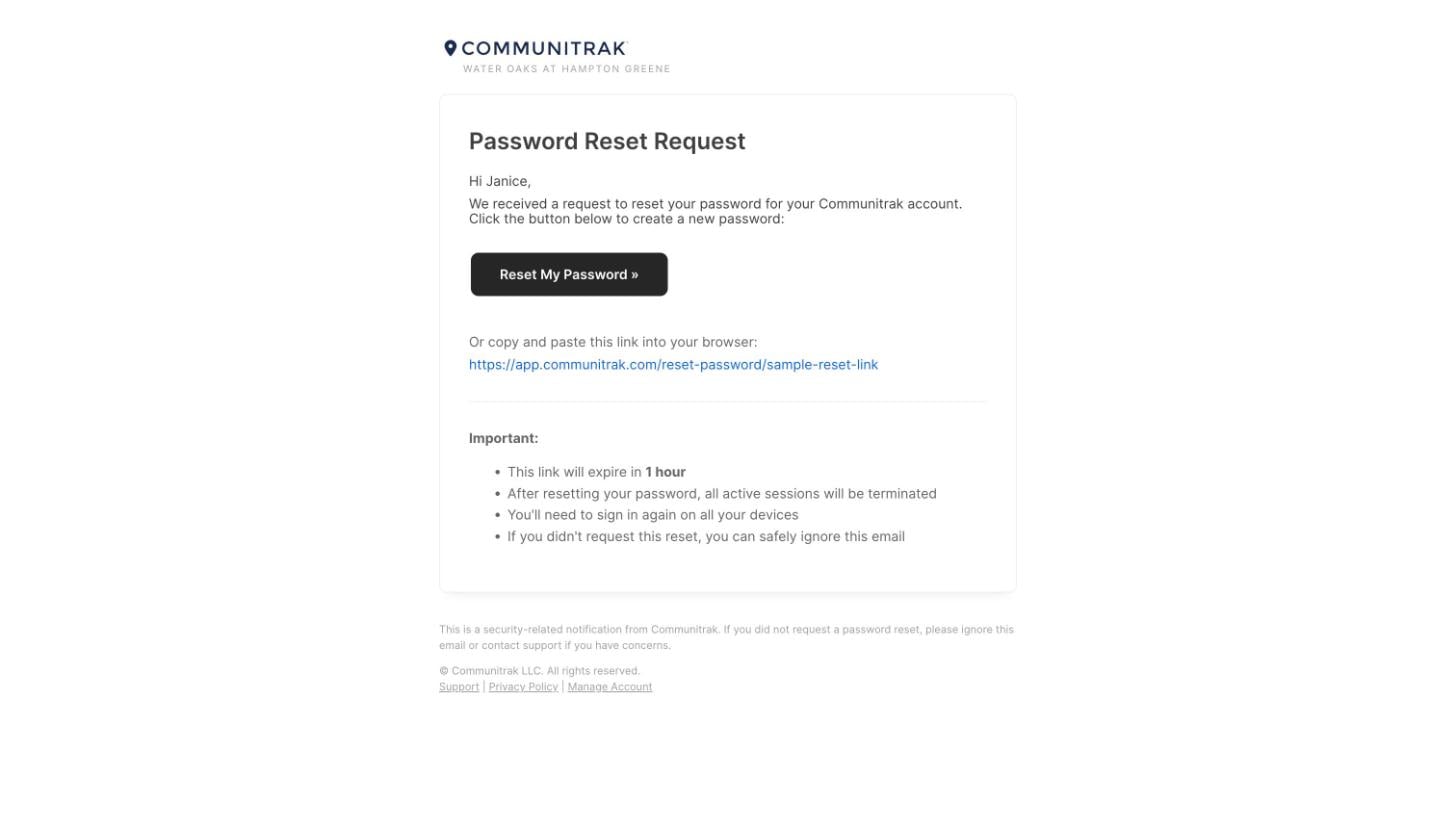
Open the email titled Password Reset Request - Communitrak. It usually arrives within a few minutes.
Click Reset My Password. If the button doesn't work, copy the link below it and paste it into your browser's address bar.

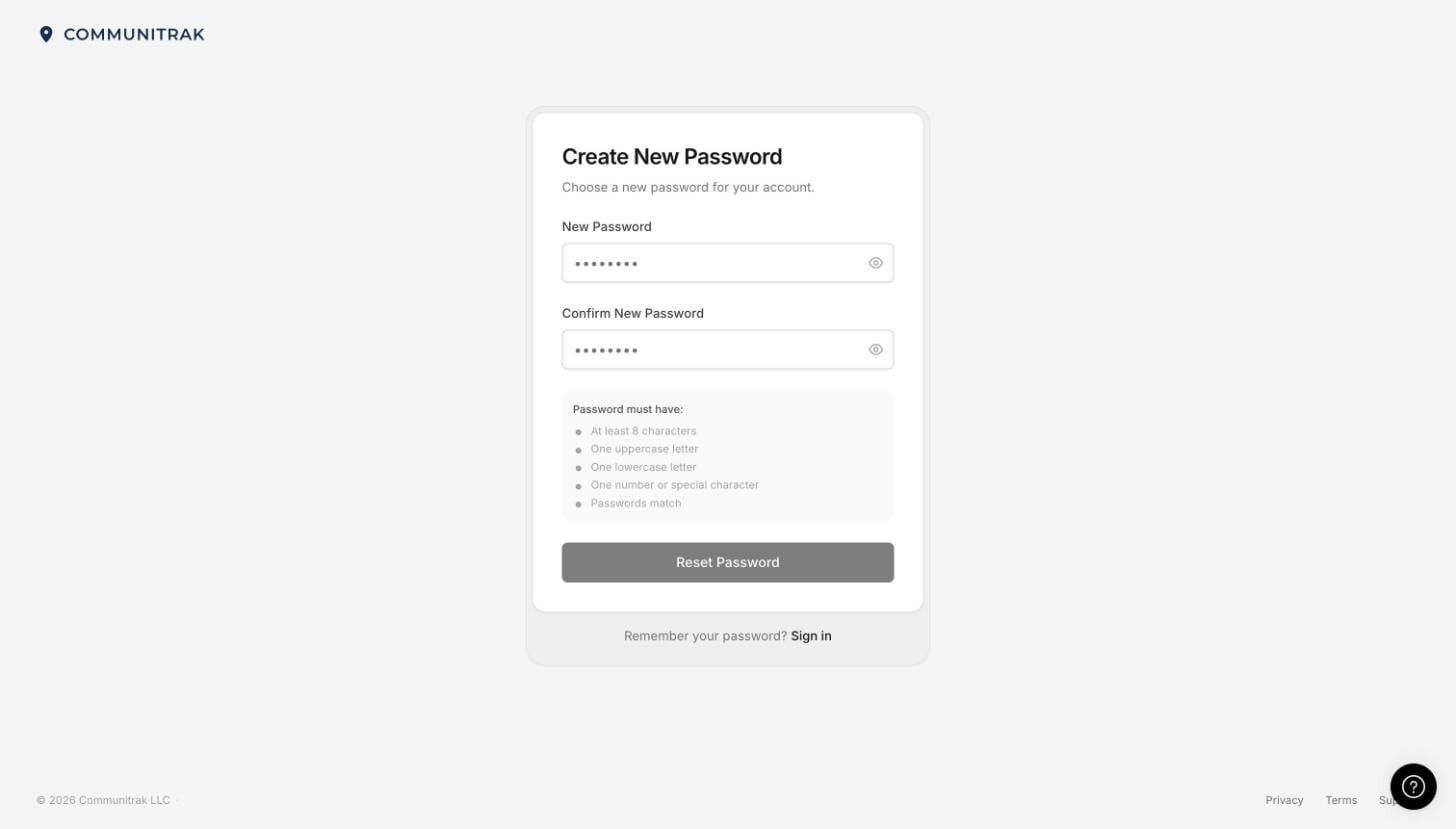
On Create New Password, enter a New Password.
Type it again under Confirm New Password. Your password needs at least 8 characters, one uppercase letter, one lowercase letter, and one number or special character, and can't be longer than 72 characters. The list below the boxes checks off each one as you meet it.
Click Reset Password.
When you see Password Reset Successful, click Go to Sign In and sign in with your new password.
You're signed out of Communitrak on every device, including your phone and any other computers. Sign in again on each one with your new password.
Communitrak sends a confirmation email titled Password Reset Successful - Communitrak. If you get this email and didn't reset your password, contact Communitrak Support right away.
If you use two-factor authentication, it stays on. Every browser you'd chosen to trust is forgotten, so your next sign-in asks for a code.
The reset email never arrived. Check your spam or junk folder. Make sure you entered the same email address you use to sign in. If you've asked 3 times in the past hour, wait an hour before trying again, because further requests are ignored.
My email address was never verified. Reset links only go to a verified address. If yours hasn't been confirmed yet, for example because a Community Leader entered it for you, no reset email is sent. Chat with Communitrak Support for help getting back in.
The page says the link "has expired or already been used." Click Request a New Reset Link and start again. Only the newest email's link will work.
I never finished joining my community. If you haven't activated your account yet, there is no password to reset, and no reset email is sent. Follow Signing In for the First Time using your invitation, or ask your community's leaders to resend it.
I lost my authenticator app and my backup codes. Resetting your password won't turn off two-factor authentication. Use Can't use your authenticator or backup codes? on the two-factor screen instead. See Account Security.
I know my password and want to change it. You don't need a reset link. Sign in and change it from your security settings. See Account Security.
If you have questions or need help, chat with Communitrak Support from any page using the messenger icon in the bottom-right corner.
